What Should a Nonprofit Website Include? (Donor BASED Guide)
If you’ve ever Googled “what should a nonprofit website include?” you’ve probably seen long checklists or the generic:
About page
Programs page
Donate button
Contact form
But here’s the truth most web articles won’t say:
A nonprofit website is not just a collection of pages.
It’s a fundraising system disguised as a website.
If it isn’t guiding visitors emotionally, building trust, and leading them toward action, it’s quietly costing you donations.
Let’s break down exactly what your nonprofit website should include — and why.
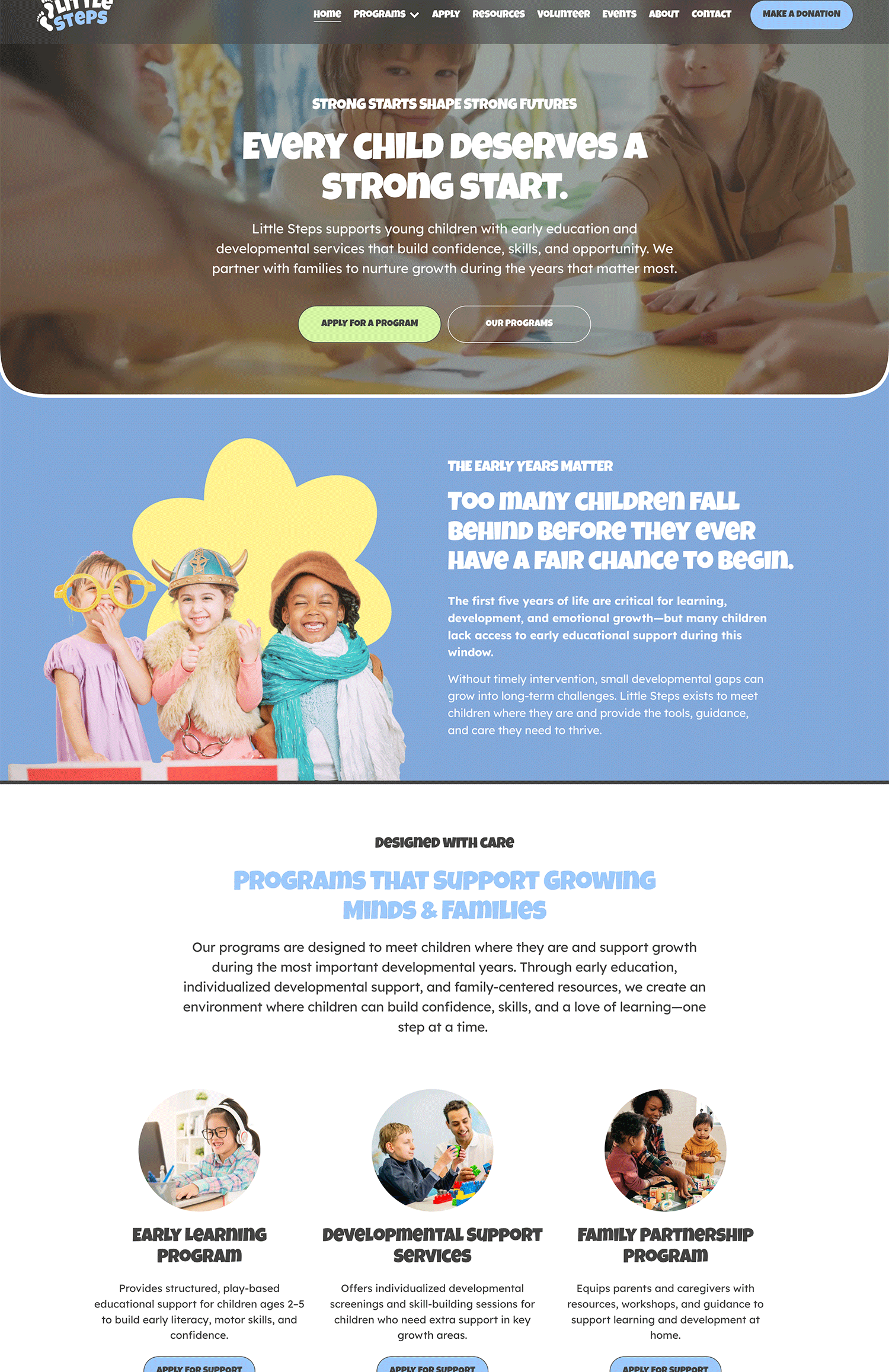
1. A Clear, Emotional Homepage (Built for 8 Seconds or Less)
Your homepage has one job:
Answer three questions immediately:
What do you do?
Why should I care?
What should I do next?
Most nonprofit websites fail here because they lead with:
Long mission statements
Internal language written for grants
Paragraphs no one reads
Donors scan. They don’t study.
Your homepage should include:
A clear headline focused on impact (not internal mission language)
A short, emotionally compelling subheading
One primary call-to-action (Donate, Get Involved, Join Us, etc.)
Visual proof of impact (photos, outcomes, testimonials)
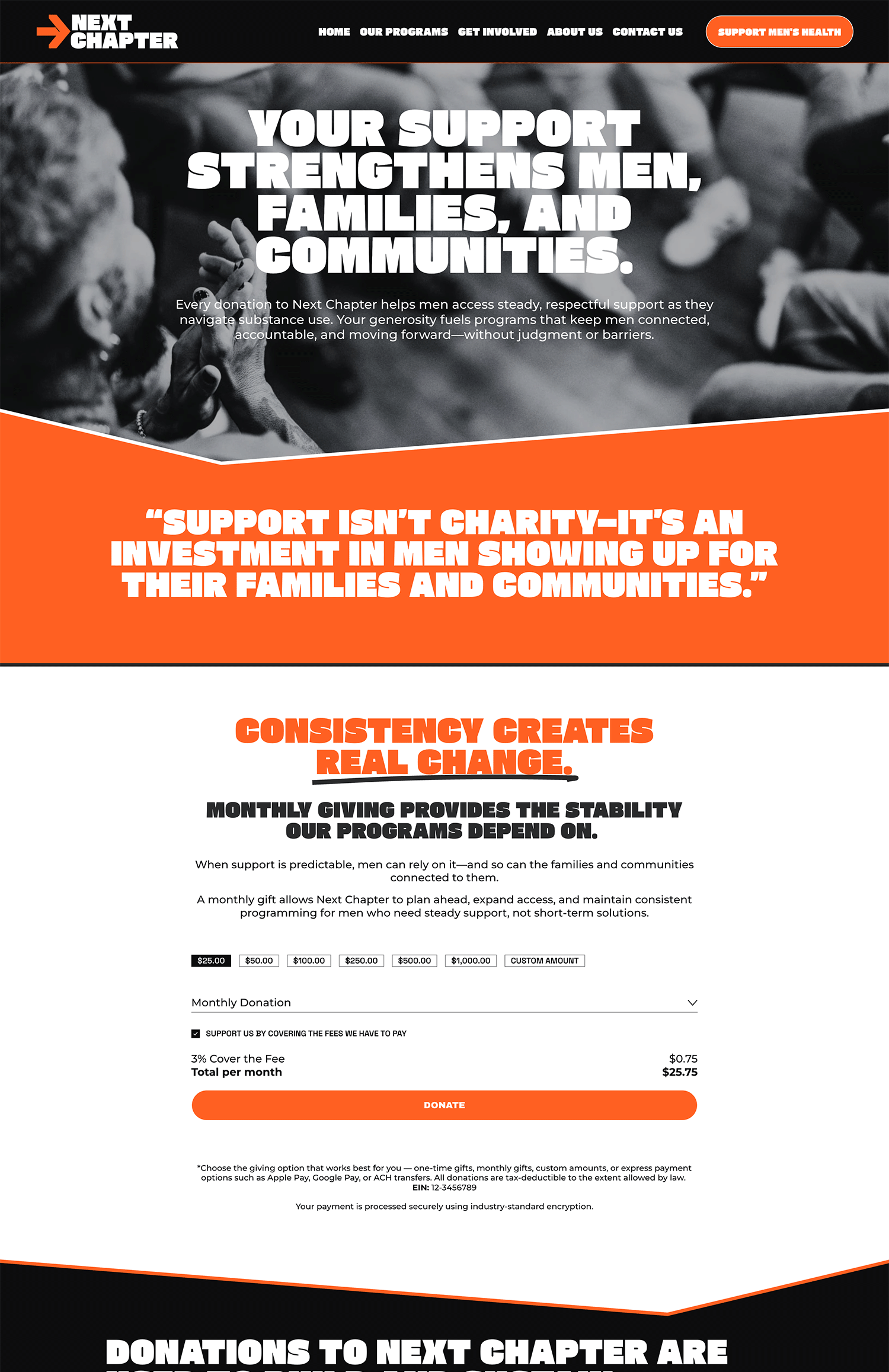
2. A Strategic Donation Page (Not Just a Button)
Having a “Donate” button is not enough.
Donation is a feeling — not a function.
Your donation page should include:
A short emotional reminder of the problem you solve
Clear impact breakdowns (“$50 provides…”, “$250 funds…”)
Monthly giving options (recurring donors = sustainability)
Trust signals (secure payment icons, testimonials, transparency language)
Minimal distractions
What it should NOT include:
Long essays
Confusing navigation
Complicated forms
Redirects that feel unsafe
If the emotional build-up isn’t there before the ask, the button won’t convert.
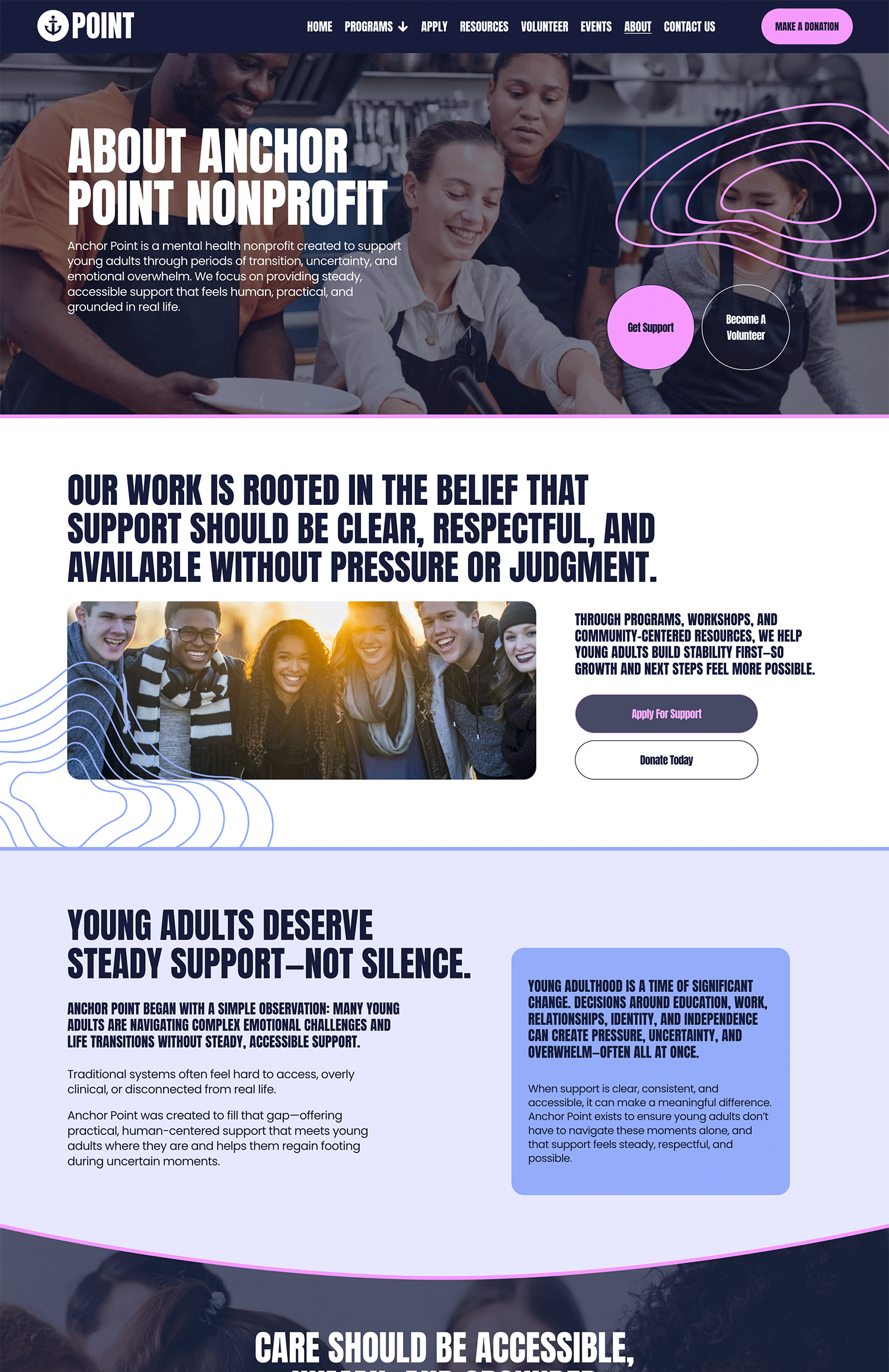
3. An About Page That Builds Trust (Not Ego)
Your About page is not your résumé.
It should answer:
Why does this organization exist?
Who does it serve?
What makes it credible?
How has it made an impact?
What to Include:
A short origin story (human, not corporate)
Real impact numbers
Community photos
Leadership transparency
Financial transparency (if available)
Trust is built through clarity and honesty.
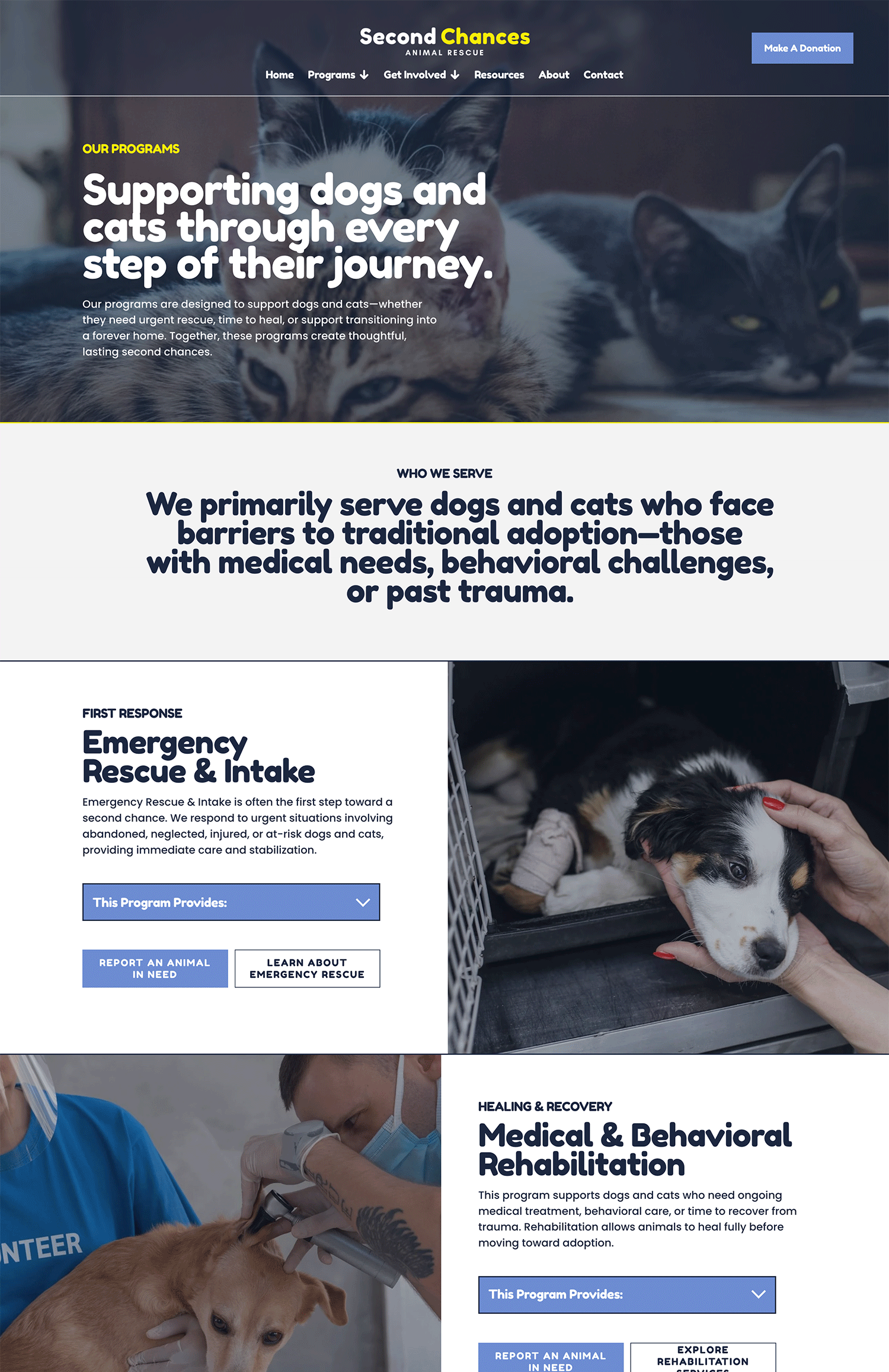
4. Program or Service Pages That Show Outcomes
Many nonprofits write program pages like grant applications.
Instead, focus on:
Who the program serves
The transformation it creates
Real outcomes or metrics
Stories or testimonials
A clear call-to-action at the bottom
Every page should guide visitors somewhere. No dead ends.
5. An Email Capture System (Your Most Underrated Asset)
Your website should not rely only on donations.
It should include:
A clear email opt-in (free guide, updates, volunteer info, etc.)
Simple form placements throughout your site (homepage, footer, blog posts)
A 5-7 part welcome email sequence
Why? Because most visitors don’t donate the first time.
Email builds long-term relationships — and long-term donors.
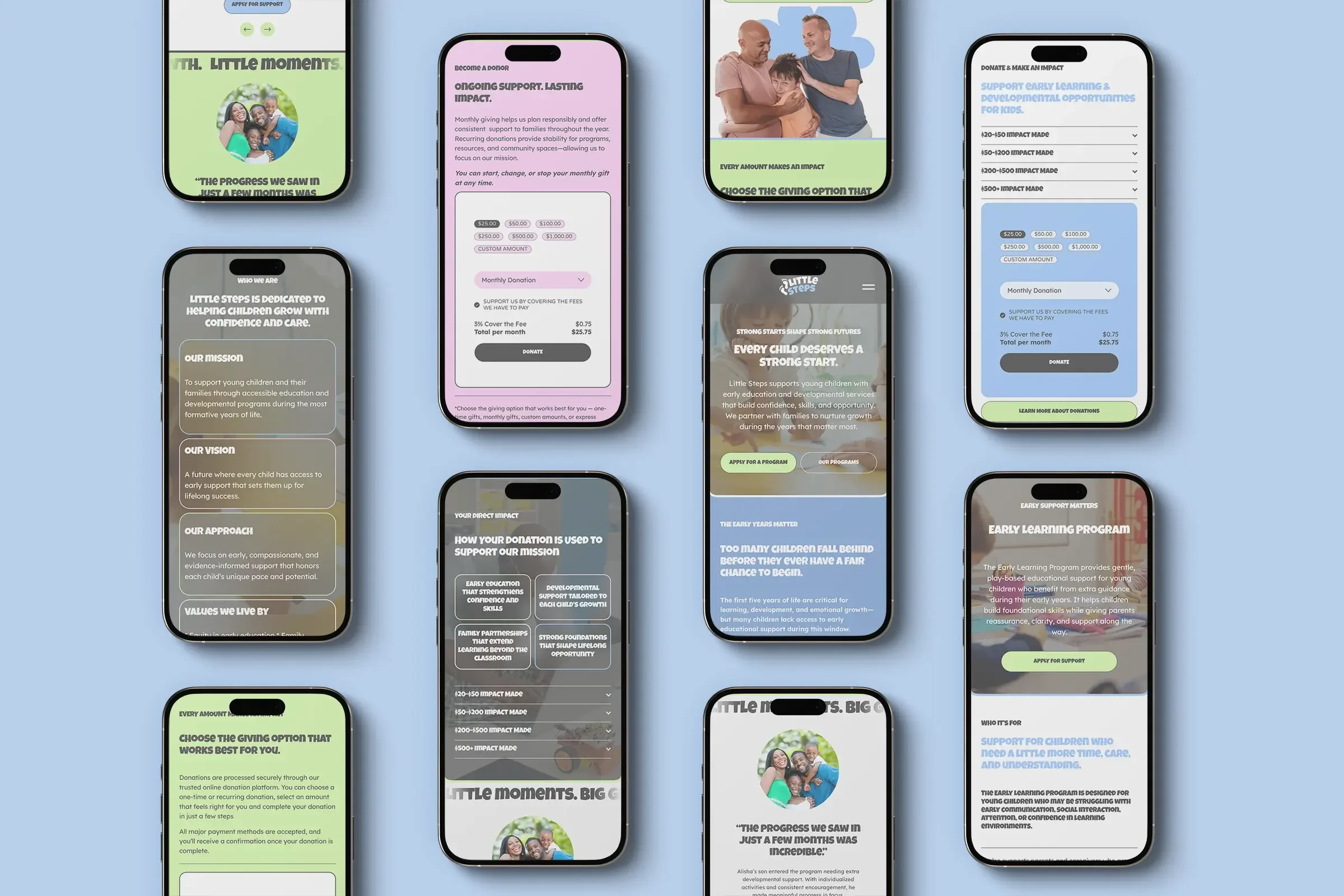
6. Clear Calls-to-Action Throughout the Site (The buttons)
Every page should answer:
“What should I do next?”
Examples:
Donate Now
Become a Monthly Supporter
Join Our Newsletter
Volunteer
Attend an Event
When there is no direction, visitors leave.
7. Basic SEO & Analytics (So People Can Actually Find You)
As highlighted in our guide, “The Nonprofit Money Trap, many nonprofit websites skip SEO entirely.
Your website should include:
Keyword-optimized page titles
Meta descriptions (text describing each image so your website is accessbile for the vision-impared)
Clear page structure (ONE H1 heading only in the top section of the page, H2 headings for important section headers, H3 for less important subheader text, and so on.)
Fast load speed
Google Analytics connected
Google Search Console connected
If Google can’t understand your site, donors can’t find you.
SEO is not optional. It’s oxygen.
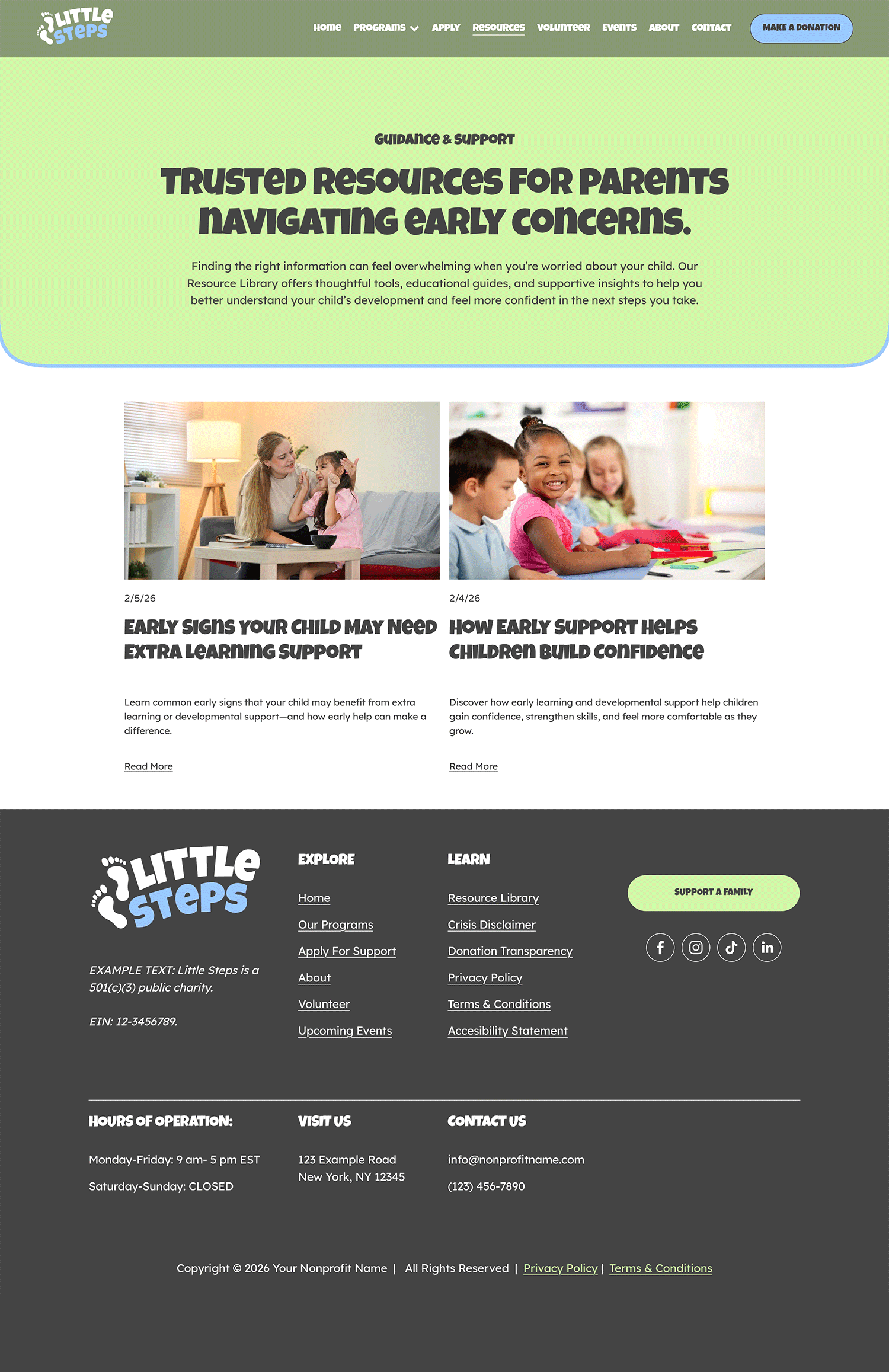
8. Proof of Legitimacy
Include:
EIN in your footer or on your about page (if appropriate)
501(c)(3) status language in the footer, so it’s present on every page
Charity ratings (if applicable)
Secure donation badges
Board transparency
Annual reports (Keep these updated and provide a PDF of each year of annual reports as a download)
Trust increases conversion.
9. Ownership & Control
This is rarely mentioned in blog posts, but it matters deeply.
Your nonprofit should fully own:
The domain (www.yournonprofitwebsite.com)
The website platform account
Donation processing accounts
Google Analytics
Email marketing accounts
If you don’t own these, you don’t own your digital assets.
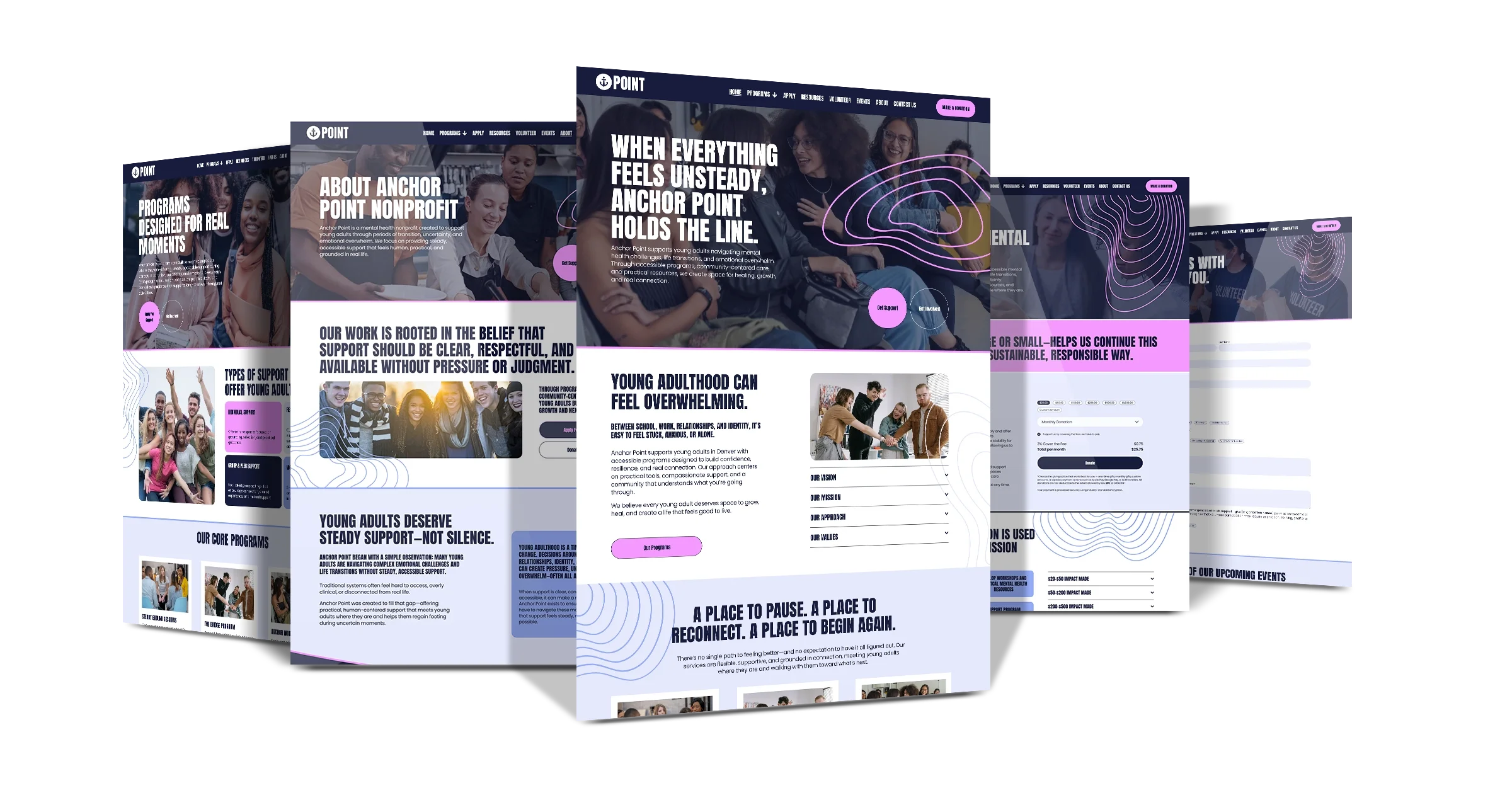
The Real Answer to: What Should a Nonprofit Website Include?
A nonprofit website should include more than pages.
It should include:
Clarity
Emotional flow
Trust
Ownership
Strategy
If your site looks beautiful but doesn’t guide visitors through: Story → Connection → Trust → Action
…it’s not doing its job.
You don’t just need a website.
You need a donation ecosystem that happens to live online.
If you’d like to see how most nonprofit websites quietly lose money — and how to fix it — you can download The Nonprofit Website Money Trap for free.
It walks through the hidden issues most organizations never realize are costing them donations.
Your mission deserves a website that supports it — not one that quietly works against it.